
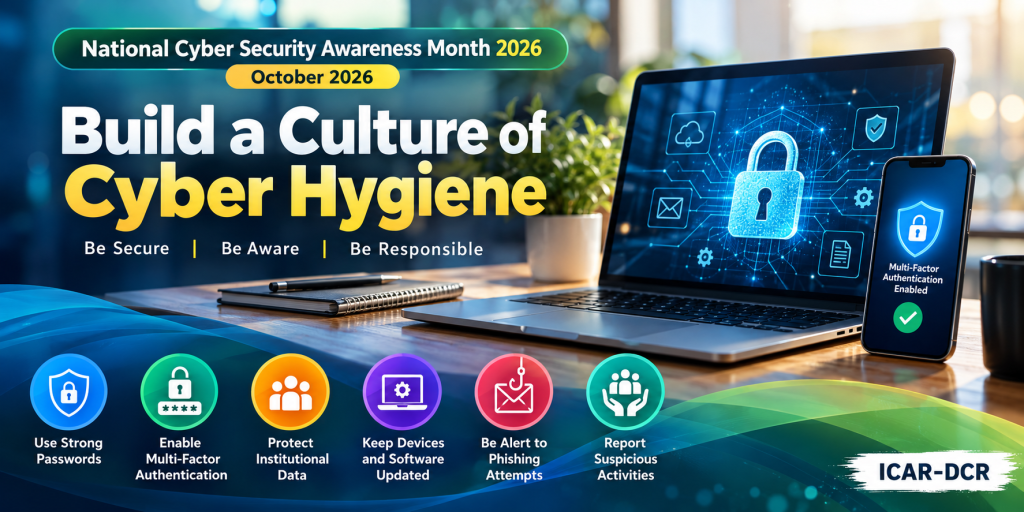
ICAR–Directorate of Cashew Research (ICAR-DCR), Puttur, observes National Cyber Security Awareness Month (NCSAM) – October 2026 under the national theme “Build a Culture of Cyber Hygiene.” The initiative aims to promote a strong cybersecurity culture by encouraging safe, responsible, and secure use of digital technologies in the workplace and beyond. Through this month-long observance, ICAR-DCR reaffirms its commitment to strengthening cybersecurity awareness and fostering a secure digital environment for institutional information, research activities, and digital services.
Day 1: Password & Multi-Factor Authentication (MFA)
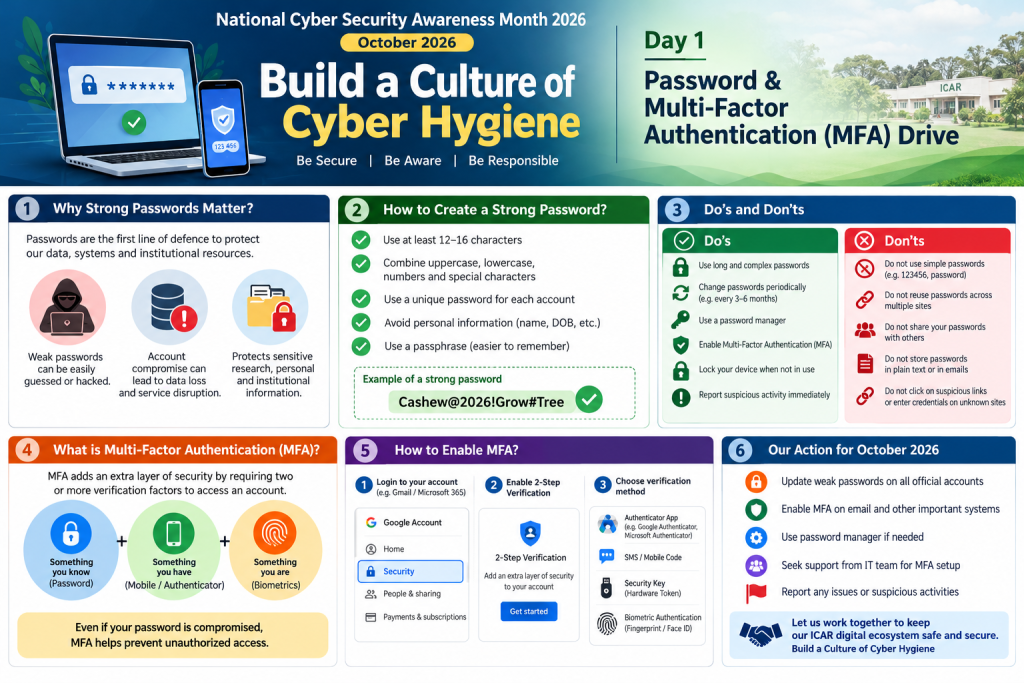
Why do passwords matter?
Passwords protect official email, institutional information, research data, and digital services. Weak or reused passwords can expose accounts to unauthorized access, data theft, and service disruption.
Five essential password practices
Use long passwords or passphrases—ideally 14–16 characters or more where supported.
Use a different password for every account.
Avoid personal information, predictable patterns, and commonly used passwords.
Use a reputable password manager to generate and store unique passwords.
Never share passwords or send them through email or messaging applications.
What is MFA?
Multi-Factor Authentication adds another verification step beyond your password. Depending on the service, this may be an authenticator app, security key, or verification prompt. Even if someone steals your password, MFA can help prevent unauthorized access.
Your action today
Update weak or reused passwords on official accounts.
Enable MFA on official email and other important accounts wherever available.
Never share one-time verification codes.
Do not approve unexpected sign-in requests.
Report suspicious login alerts or suspected account compromise to the institute IT team immediately.
Remember: Strong passwords protect your accounts. MFA adds another layer of defence.
Day 2: Cyber Incident Reporting
Why is cyber incident reporting important?
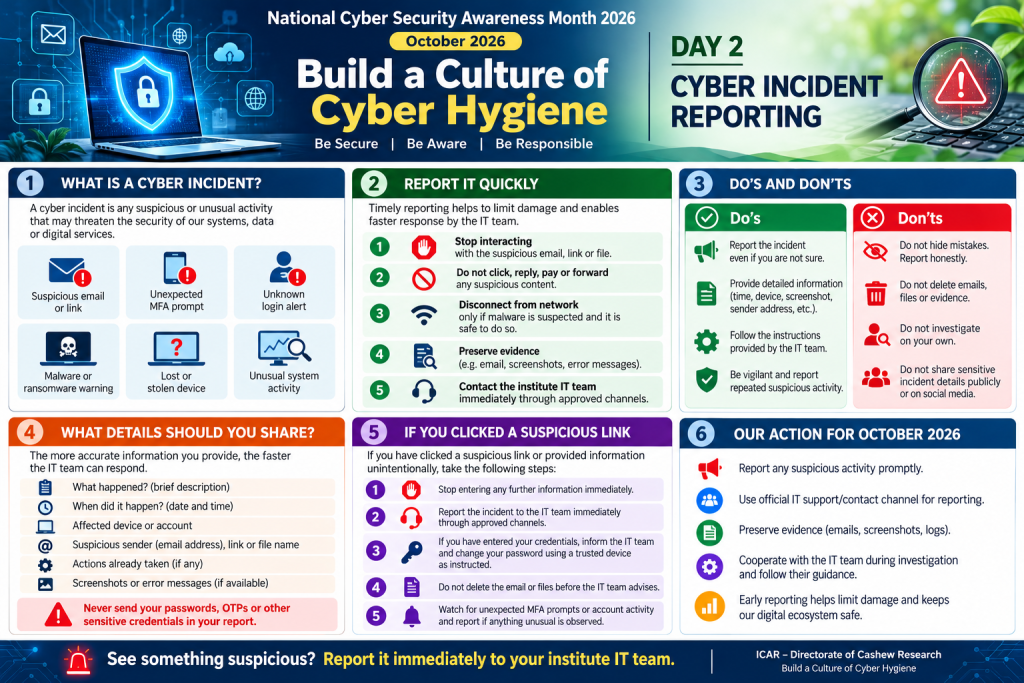
Cybersecurity is a shared responsibility. Prompt reporting of suspicious activities helps the institute’s Agricultural Knowledge Management Unit (AKMU) team investigate potential threats, take appropriate action, and minimize the risk of data loss, unauthorized access, and disruption of institutional services.
What should you report?
Employees must promptly inform the AKMU team about any suspected cybersecurity incident, including:
Suspicious emails, phishing links, or unexpected attachments.
Unexpected MFA prompts or unfamiliar login alerts.
Malware or ransomware warnings and unusual computer behaviour.
Lost or stolen devices containing institutional information.
Suspected unauthorized access to official accounts, systems, or data.
Accidental disclosure of confidential information or suspected data leakage.
What should you do if you suspect an incident?
Stop: Do not click suspicious links, open attachments, or approve unexpected login requests.
Inform AKMU immediately: Report the incident to the AKMU team at ICAR-DCR, even if you are uncertain whether a security breach has occurred.
Preserve evidence: Retain relevant emails, screenshots, timestamps, and error messages. Do not delete potentially relevant evidence.
Avoid taking independent action: Do not attempt to investigate, remove malware, or modify affected systems without guidance from the AKMU team.
Follow instructions: Cooperate with the AKMU team and follow its directions to contain the incident and secure affected accounts or devices.
If you have clicked a suspicious link or accidentally disclosed your credentials, inform the AKMU team immediately. Prompt, honest reporting helps minimize damage and enables faster response.
What information should you provide?
When reporting an incident, share the following details wherever available:
Brief description of the incident.
Date and time when it occurred or was noticed.
Affected computer, device, account, application, or system.
Suspicious sender address, link, attachment name, or alert message.
Actions already taken.
Relevant screenshots or error messages.
Important: Never include passwords, OTPs, recovery codes, or other authentication secrets in your report.
Our action for October 2026
All employees are requested to remain vigilant and report suspicious cybersecurity activities promptly to the AKMU team at ICAR-DCR, Puttur.
Remember: Do not ignore it. Do not hide it. Report it to AKMU immediately.
Early reporting helps protect our institutional data, IT infrastructure, and digital services.